Take HR and payroll anywhere with the ADP Mobile app
Manage pay, time, benefits and more with the ADP Mobile app. It’s built for employees, managers and HR teams who need fast access to HR and payroll wherever work happens.


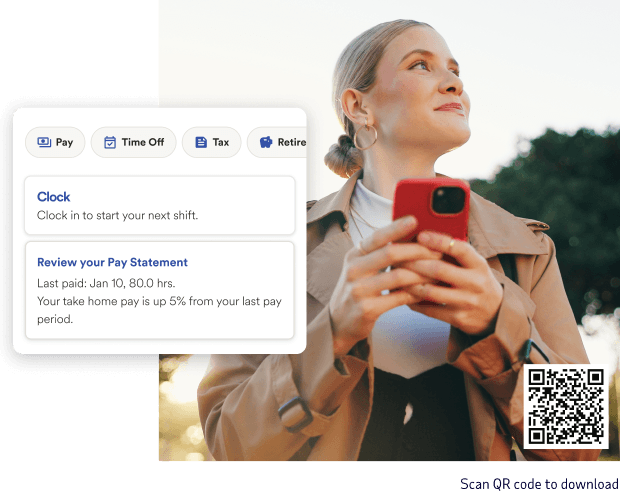

Check pay, time and benefits quickly from anywhere
The ADP Mobile app gives you direct access to the payroll and HR information you use most, so you can take care of work tasks quickly and get back to your day.

View pay statements, tax forms and direct deposit details

Clock in, submit timecards and request time off

Manage benefits and update life events

Receive company updates and important reminders

Get timely prompts when action is required
Additional capabilities inside the ADP Mobile app

ADP Connect
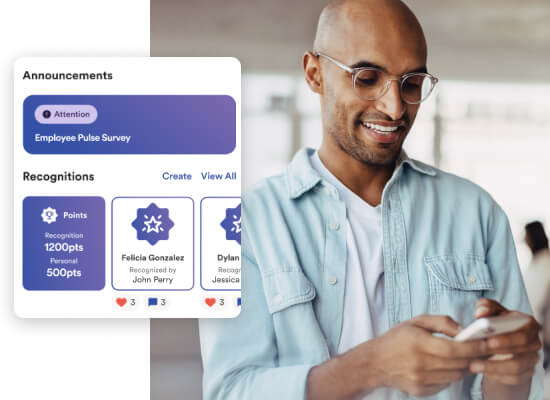
Share updates, celebrate milestones and keep teams connected wherever they work.
Manager approvals
Review and act on timecards, schedules and requests in seconds.
Benefits guidance
Help employees navigate enrollment and life events with clear next steps.


Built for employees, managers and HR teams
For employees
Employees can handle everyday HR tasks quickly from their phone, while staying connected to the systems their company already uses.
- Access pay, tax and retirement information
- Track time, request time off and check schedules
- Review benefits and update life events
- Stay informed with company news and alerts
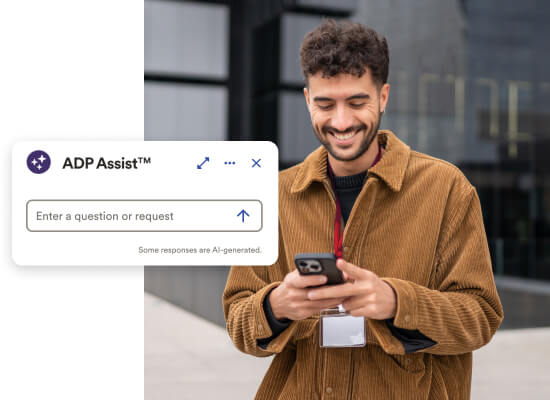
- Get fast answers with ADP Assist, an AI HR assistant
- Receive AI-powered prompts and reminders
For managers
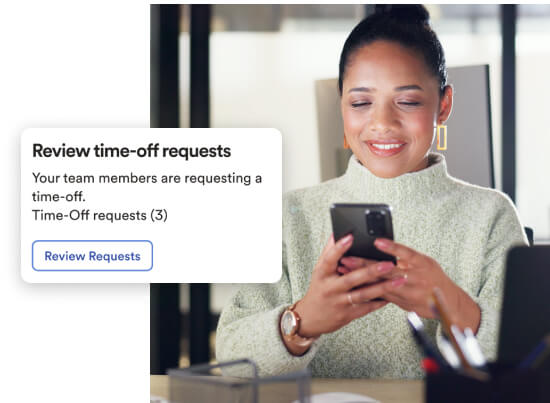
Managers can review requests, support their teams and keep operations moving from anywhere.
- Approve timecards and time-off requests
- Monitor schedules and staffing in real time
- Share updates and recognize team achievements
- Access workforce insights to support decisions
For HR practitioners
HR teams can extend self-service while maintaining visibility and control.
- Reduce routine inquiries with employee self-service
- Support onboarding and benefits updates in app
- Maintain oversight with built-in moderation tools
- Strengthen engagement through ADP Connect
Download and get started in minutes
1. Access
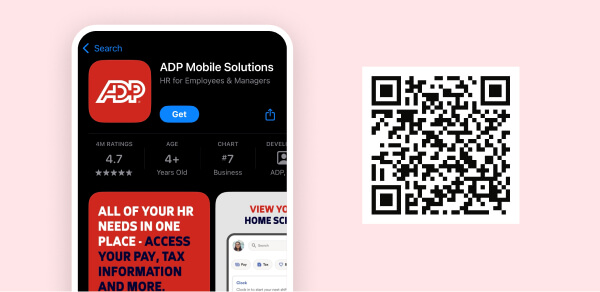
Scan the QR code above or tap your app store link below.
2. Install
Download the ADP Mobile app to your device.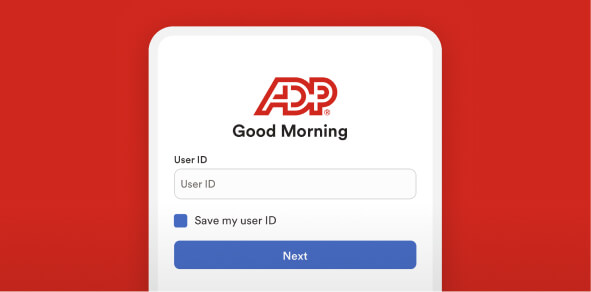
3. Sign in
Use your existing ADP username and password to log in.
MEET OUR CLIENTS
“We determined that over 70 percent of our employees were looking at the ADP mobile app on a regular basis, and so we've used this to stay in contact with them, to put out information that's meaningful to them and make sure that we've got that solid connection ”
- Name
- Laura Sorensen
- Title
- Chief People Officer
- Company
- First Watch Restaurants Inc.
- Industry
- Food service
- Employees
- 10,000
Download the app
Take ADP with you wherever you go
Your pay, time and benefits information is just a tap away.
 ADP Mobile Solutions FAQs
Yes. The ADP Mobile app is available at no cost to employees and managers whose companies use ADP services.
The app is available for iOS and Android devices and can be downloaded from the Apple App Store and Google Play.
You can view pay statements, access tax documents, clock time, request time off, manage benefits and stay connected with your team through ADP Connect.
ADP Mobile uses enterprise-grade security and data protection standards to safeguard payroll and HR information.
If your employer uses ADP, you can log in with your existing ADP credentials.
Yes. The ADP Mobile app is available in English, Spanish, French and more than 25 additional languages, depending on your organization’s configuration.
Some organizations may use additional ADP mobile experiences depending on their ADP products. Your employer will let you know if another ADP app is required for your role.